


Pet Photography: 15 Golden Rules for Professional-Looking Shots
Our pets are some of the most precious parts of our lives, and we want to capture their funny, sweet, or majestic moments forever. But pet photography is very different from shooting human portraits: our model doesn't pose, doesn't follow directions, and the sweetest moment often lasts only a second. In this guide, we share 15 practical tips to help you take striking photos of your pet, whether you shoot with a professional camera or a smartphone.
1. Use Natural Light
Light is the most basic element of any photo, and in pet photography, natural light always gives the nicest results.
- By the window: For indoor shots, place your pet next to a large window. Soft, indirect window light brings out facial features beautifully and creates a natural sparkle in the eyes.
- Golden hour: For outdoor shots, the hour after sunrise and the hour before sunset ("golden hour") offer the warmest, loveliest light. There are no harsh shadows, and fur glows like gold.
- Avoid the flash: Flash creates red or green reflections in animals' eyes, can scare them, and gives harsh, unnatural lighting. Turn the flash off and raise the ISO instead.
- Cloudy days: The sky acts like a giant softbox. On overcast days, shadows are soft and colors are rich.
2. Shoot at Eye Level
The biggest mistake in pet photography is standing up and shooting down at the animal. This angle makes the pet look small and ordinary.
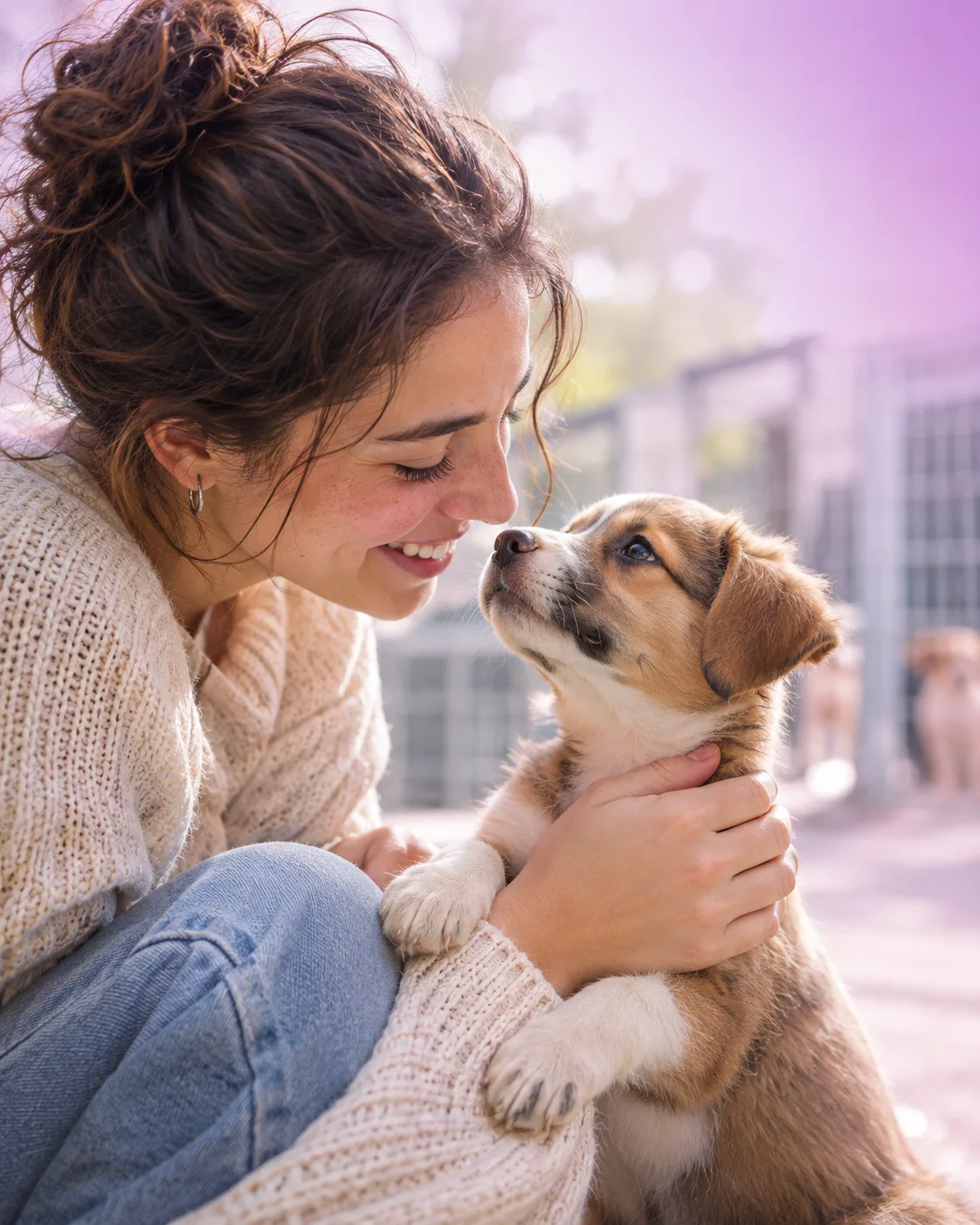
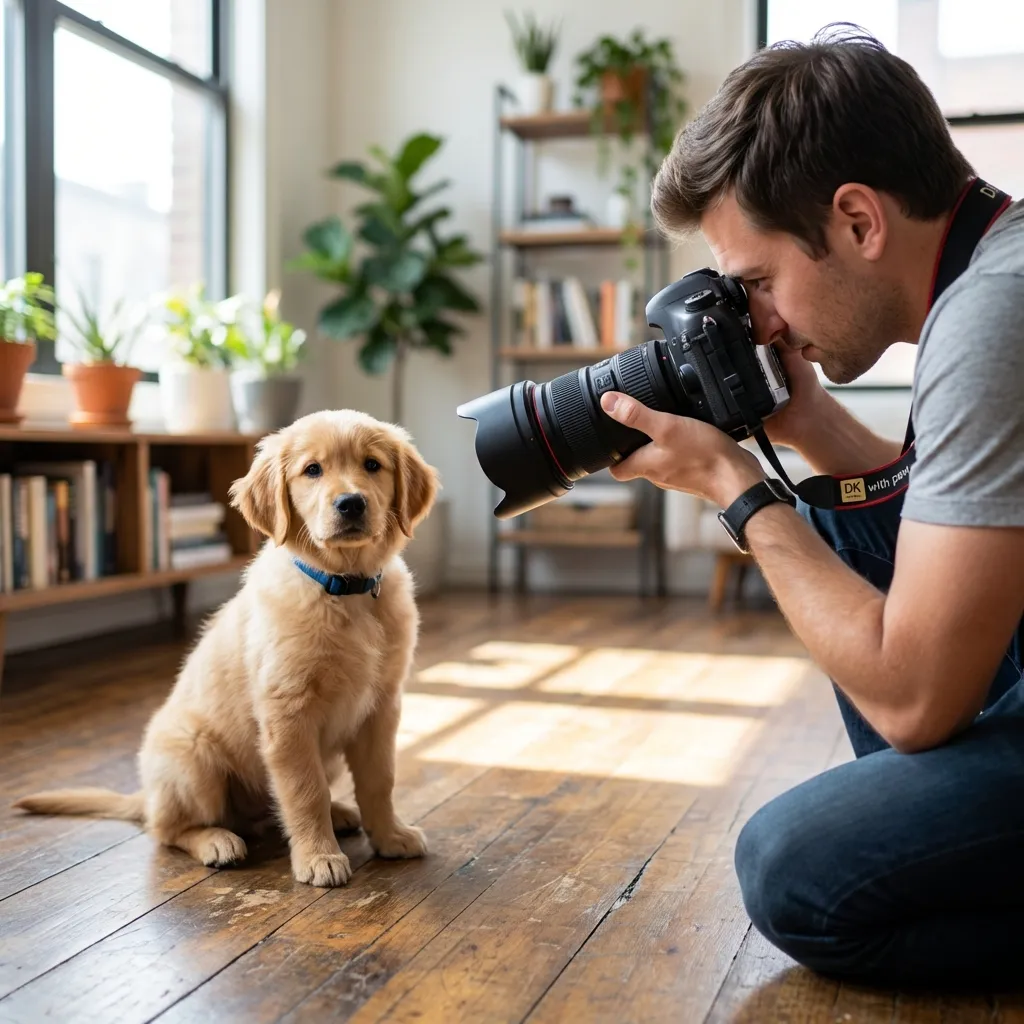
- Get down low: Kneel, sit on the floor, or lie on your stomach. Shooting at your pet's eye level adds depth, character, and an emotional connection to the photo.
- Low angle looking up: Shooting slightly from below makes the animal look strong and majestic. This works especially well for large-breed dogs.
- Bird's-eye view: Shooting from above only works in certain situations: when you want to capture a sweet "looking up" expression or use a plain background (grass, a rug).
3. Focus on the Eyes
Just like in human portraits, in pet photos the eyes are the window to the soul. Sharp, bright eyes bring a photo to life.
- Always put your focus point on the eyes
- Try to capture a reflection of light in the eyes (a "catchlight"); it adds life to the photo
- With dark-colored animals, pay attention to the direction of the light so the eyes stay visible
- On smartphones, you can tap the screen to lock focus on the eyes
4. Use Treats and Attention-Grabbing Sounds
Getting your pet to look at the camera is one of the biggest challenges. Here's what works:
- Treats: Hold a treat right above or next to the camera. Your pet will naturally look toward it. Save their favorite treat for the shoot.
- Odd sounds: Funny noises you make with your mouth (a kissing sound, a chirp, a strange whistle) will make your pet perk up its ears and look at the camera. But don't use the same sound over and over; it stops working.
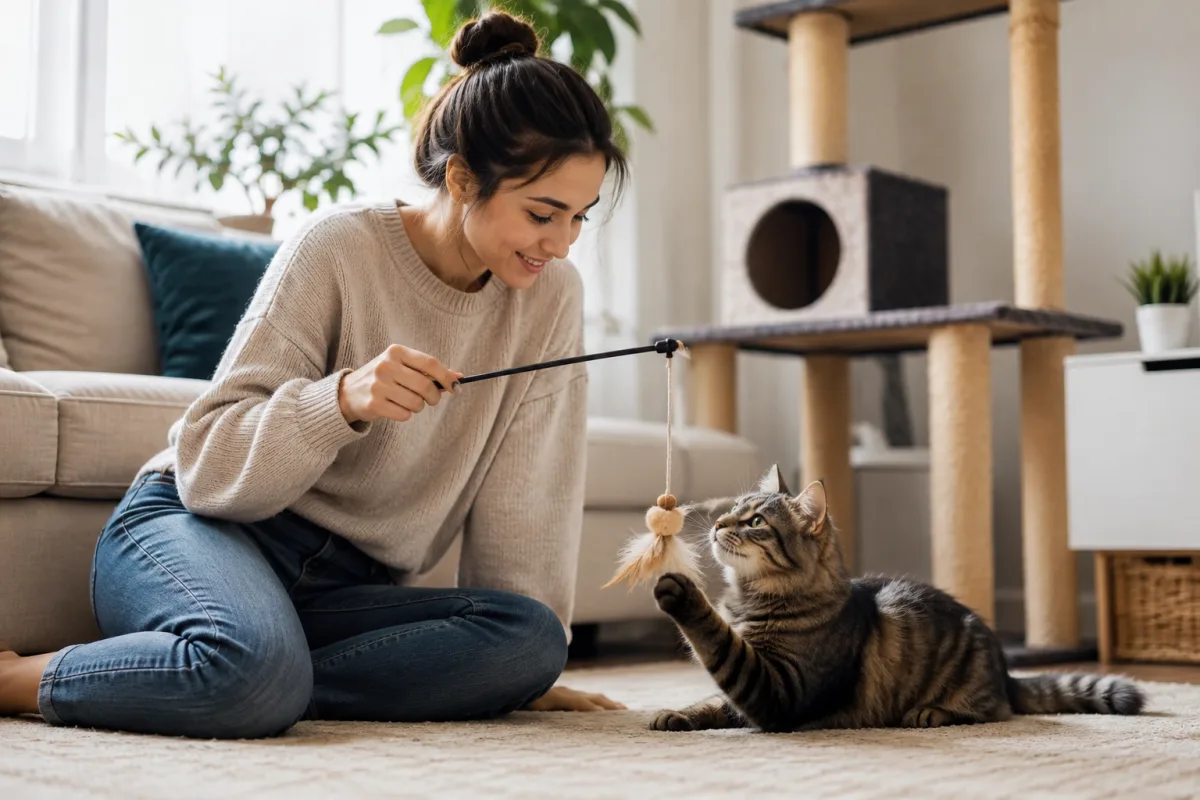
- Toys: Wave their favorite toy next to the camera.
- Phone apps: There are apps that play sounds designed to catch animals' attention.
Pro tip: Each sound or treat only works 2-3 times. After that, your pet loses interest. So prepare a few different ways to get their attention and save your strongest one for the final moment.
5. Use Burst Mode
Pets move fast, and their sweetest expressions last only an instant. Burst mode improves your odds.
- iPhone: Hold down the shutter button, or use the volume up button to shoot a burst
- Android: Hold down the shutter button to activate burst mode
- Camera: Switch to continuous shooting mode and set focus to continuous AF (AF-C or AI Servo)
- Afterward, you can pick the strongest frames and delete the rest
6. Capture Action Shots
A photo of a pet running, jumping, or playing is far more dynamic and striking than a static pose.
- Shutter speed: Use a speed of at least 1/500 of a second to avoid motion blur. Very fast-moving dogs need 1/1000 or faster.
- Sports mode: On smartphones, use "sports" or "action" mode. It automatically picks a fast shutter speed.
- Throwing a ball or frisbee: Ask a helper to throw a ball. Wait in position and shoot as your pet runs toward you.
- Playing with water: Splashing water, jumping into a pool, or running along the shore make for amazing action shots.
7. Watch the Background
A cluttered background can ruin even the loveliest pet photo.
- Simple background: A single-color wall, grass, sky, or a blurred natural background works well
- Contrasting colors: Choose a dark background for a light-colored pet and a light background for a dark-colored pet
- Portrait mode: Smartphone portrait mode blurs the background and makes your pet stand out
- Check the frame for distractions: Things like trash cans, cables, and strangers should be kept out of the shot
8. Show Their Personality
Every pet has a character of its own. The strongest photos are the ones that reflect that personality.
- An energetic dog? Shoot them running, jumping, or playing with a toy.
- A lazy cat? Shoot them stretched out in the sun, gazing out the window, or mid-yawn.
- A curious pet? Capture the moment they sniff, investigate, or explore something.
- Do they have funny habits? Photograph them sitting like a person, sticking out their tongue, or sleeping in odd positions.
9. Be Patient
In pet photography, patience is the greatest virtue. Professional pet photographers take hundreds of frames in a single session and use only a handful of them.
- Don't force your pet into a shoot; a stressed animal poses poorly
- Keep sessions short (10-15 minutes). If your pet gets bored, take a break.
- The nicest photos often come from unplanned moments. Always keep your phone handy.
- Watch your pet's natural behavior and capture those moments
10. Portrait Techniques
Technical details to keep in mind for pet portraits:
- Wide aperture: f/2.8 or wider blurs the background and makes your pet stand out
- Rule of thirds: Place your pet's eyes on the upper third line of the frame
- Leave empty space: Leaving space in the direction your pet is looking creates a natural flow
- Close-up details: Detail shots of paws, noses, eyes, and ears can be very striking
- Black and white: Converting to black and white adds emotional depth, especially to portraits of senior pets
11. Smartphone Camera Settings
With the right settings, modern smartphones can take professional-quality photos.
iPhone Settings
- Portrait mode: Ideal for blurring the background. Try the "Natural Light" or "Studio Light" effects.
- Live Photo: Keep it on. You can choose the strongest frame after the shot.
- HDR: Leave HDR on auto for outdoor shots. It balances detail in highlights and shadows.
- 0.5x and 2x zoom: Use the ultra-wide angle (0.5x) for fun perspective shots and 2x zoom for close-up portraits.
Android Settings
- Pro mode: Gives you full control over ISO, shutter speed, and white balance
- ISO: Keep it between 100-400 outdoors and 400-1600 indoors
- White balance: Auto usually works well, but under tungsten light switch to "Tungsten" or "Shade"
12. Group Photos
Photographing several pets together, or pets with people, comes with extra challenges.
- Use a helper: You'll need at least one helper to get the attention of more than one animal
- The tiredness advantage: Tire the animals out with play or exercise before the shoot. Calm animals pose more easily.
- Use the same treat: Use a single treat or toy to draw every animal's attention to the same spot
- Lower your expectations: The perfect frame where everyone looks at the camera at once is very rare. Moments of natural interaction are more valuable.
13. Seasonal Photo Ideas
- Spring: In flower fields, on green grass, in puddles after the rain
- Summer: Fun shots at the beach, by the pool, with sprinklers, or in sunglasses
- Fall: Among falling leaves, in the park, in golden light. Fall is the most photogenic season.
- Winter: In the snow, wrapped in a blanket, in front of the fireplace, with New Year decorations
14. Editing Tips and App Suggestions
Editing the raw photo is the key to a professional look. Here are some free, effective editing apps:
Snapseed (Free - iOS and Android)
A professional editing app developed by Google. It offers selective editing, perspective correction, and a wide range of filters. Use "Tune Image" to adjust brightness, contrast, and saturation. With the "Selective" tool, you can brighten only certain areas (for example, the eyes).
VSCO (Free - iOS and Android)
Known for its film emulation filters, VSCO gives photos a natural, stylish look. The A6, C1, and HB1 filters work perfectly for pet photos. Keeping filter strength around 50-70% gives the most natural result.
Adobe Lightroom Mobile (Free - iOS and Android)
It offers professional-level color editing and light adjustment, with RAW file support. Adjust exposure and contrast in the "Light" panel, and white balance and saturation in the "Color" panel. Ready-made presets make quick edits easy.
Basic Editing Tips
- Cropping: Crop using the rule of thirds and remove distracting edges
- Brightness and contrast: A slight boost in brightness and moderate contrast give the nicest results
- Sharpness: Add sharpness to the eyes, but don't overdo it, or the photo will look artificial
- Saturation: Bring out fur colors a little, but keep the look natural
- Warmth: Slightly warm (yellowish) tones give a photo a cozy feel
15. Social Media Optimization
Things to keep in mind when sharing pet photos on social media:
For Instagram
- Square format (1:1): Looks neat in your profile grid
- Vertical format (4:5): Takes up more space on the Explore page and gets a higher engagement rate
- For Stories (9:16): Full-screen vertical shots
- Using hashtags: Turkish hashtags such as #evcilhayvan and #petfotografçılığı, plus popular international hashtags like #catsofinstagram and #dogsofinstagram
Common Mistakes and How to Fix Them
- Too many filters: Avoid heavy filters that ruin the natural look. Light editing is always a good idea.
- Low resolution: Check the photo's quality before you share it.
- Poor lighting: Instead of dark, grainy photos, shoot in a well-lit space.
- Closed or blurry eyes: Focusing on the eyes and using burst mode solves this problem.
- Cluttered background: Check the background before shooting or use portrait mode.
Pet photography is a skill that improves with practice. Taking a few shots every day will help you get better quickly. The most important thing is to have fun and enjoy recording these special moments with your pet. What matters more than perfect technical knowledge is capturing emotion and character in a photo. When you catch that sparkle in your pet's eyes, those curious perked-up ears, or that funny face mid-yawn, that's when you become a true pet photographer.