

Help Center
How can we help?
Search common questions or browse the categories.
48 questions in 13 categories
General4
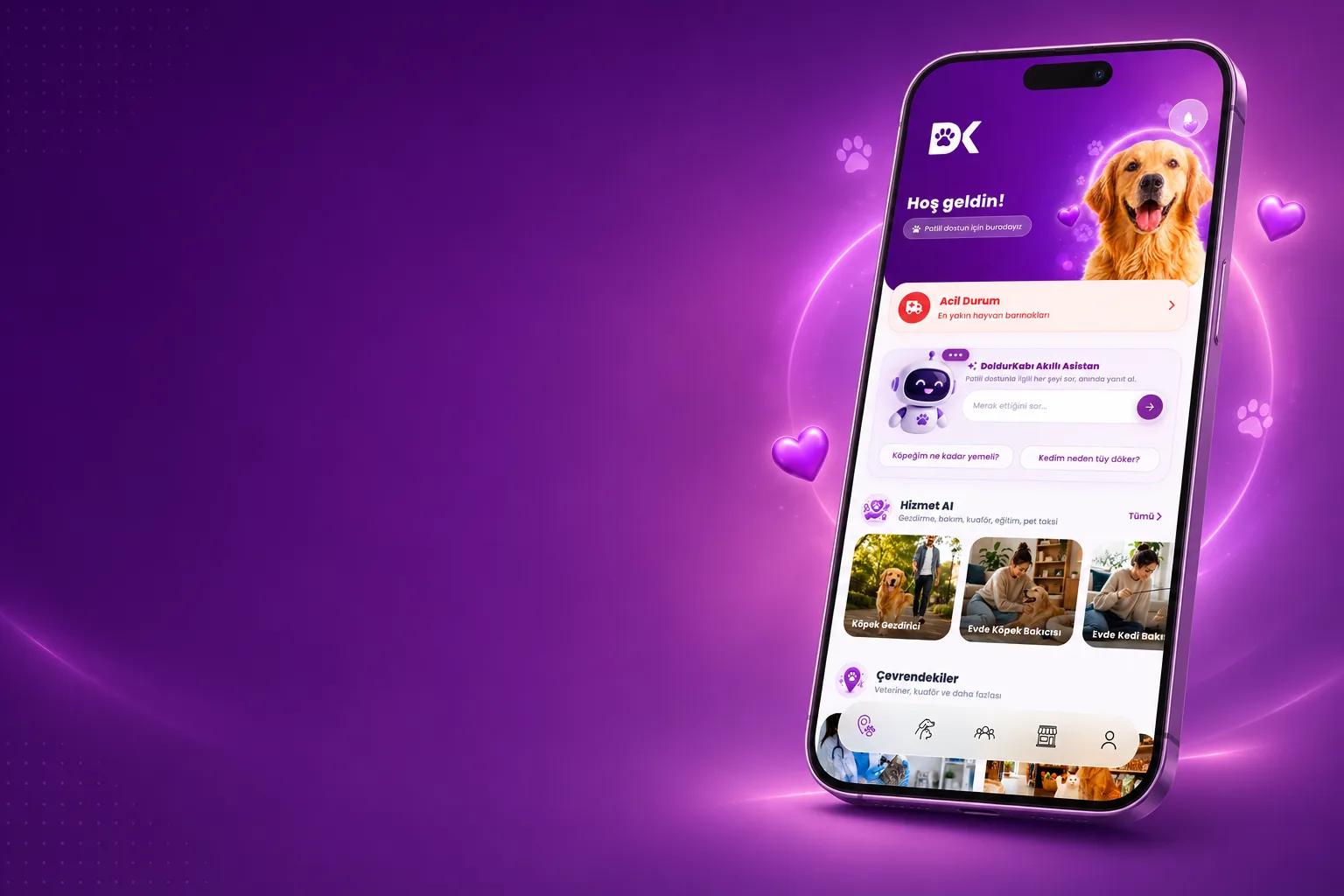
DoldurKabı is a free mobile app and website that brings pet lovers together. Adoption and lost pet listings, finding a vet and booking appointments, pet health records, Pet Services like dog walking and pet sitting, and a community feed for sharing are all in one app.
Download the app from the App Store, Google Play or AppGallery. You can browse listings, the map and vets without an account. To post a listing, send messages, request an appointment or share posts, you need a free account with your email address.
Yes. Downloading the app, creating an account, posting adoption and lost pet listings, messaging and requesting a vet appointment are free. Vet visits and Pet Services are paid directly to the clinic or service provider; DoldurKabı doesn't handle these payments.
The DoldurKabı Smart Assistant on the app's home screen answers your pet care questions, and you can send photos too. When needed, it takes you to the right screen in the app. You need to be signed in to use it, and chats are deleted after 90 days. The assistant doesn't replace a vet visit; in an emergency, contact your vet directly.
Pet Hub3
DK Pet Hub is a section in the app's bottom menu. It has adoption listings, lost pets, your pets' health records, the blog, pet news, a first pet guide and the Pet Encyclopedia.
Explore Pet Hub (in Turkish)Adoption and lost pet listings, community posts and vet reviews go live after the DoldurKabı team reviews them. This way, sale listings and misleading or inappropriate content are filtered out before they're published. If you edit an approved listing, it goes back for review.
The first pet guide walks you through the first days with a cat, dog, bird, fish, rodent or reptile, step by step; your progress is saved in the app. The Pet Encyclopedia covers the personality, care and health of breeds and species. Both are also open on our website.
Pet Encyclopedia (in Turkish)Adoption4
In Pet Hub > Adopt, tap the purple + button. At least one photo (up to 5), a description, city, sex and whether the listing is from an owner or a shelter are required; you can also add species, age, vaccination status, neutering and microchip details. The listing goes live after the team approves it.
Step-by-step listing guideNo, posting an adoption listing is free. Listings that sell animals are strictly forbidden; on DoldurKabı, animals are only adopted.
Open your listing and use "Edit listing" or "Delete listing" in the three-dot menu at the top right. If the pet has found a home, choose "Mark as adopted" in the same menu. You can see all your listings under Profile > My posts > Listings.
Use the "Send message" button on the listing to write to the owner in the app. Tap the heart icon to add listings you like to Profile > My favorites and come back to them later.
Adoption listingsLost Pets4
In Pet Hub > Lost Pets, tap the + button. Add the pet's species and name, the place it went missing on the map, a description and 1 to 3 photos, and choose whether people should reach you by phone or in-app message. You can add a reward if you like.
Step-by-step lost pet listingAfter the team approves it, your listing appears in the list and on the Lost Pets Map. App users within 5 km of where the pet went missing get a notification, and you get a "Your lost pet listing was approved!" notification. Users can turn this alert on or off with "Lost pet alert" in Notification settings.
Open your listing, choose "Mark as found" in the three-dot menu and mark how it was found. The listing closes and your pet appears in the Found Pets section.
Use the "If you've seen this pet, let us know!" section on the listing to reach the owner the way they chose: on WhatsApp or by in-app message. You need to be signed in to contact them. Writing down where and when you saw the pet, and taking a photo if you can, helps the owner.
Lost pet listingsPet Services8
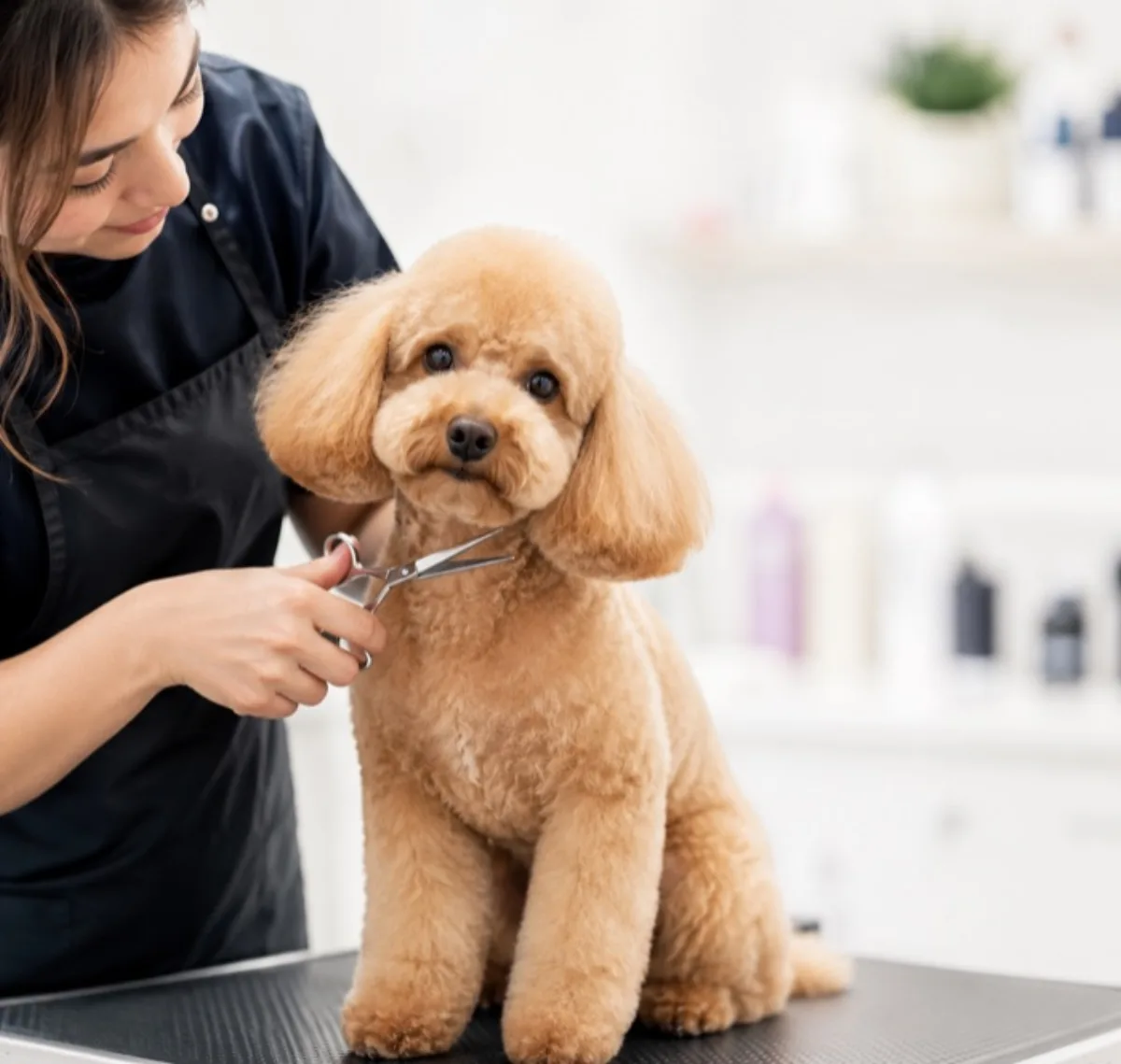
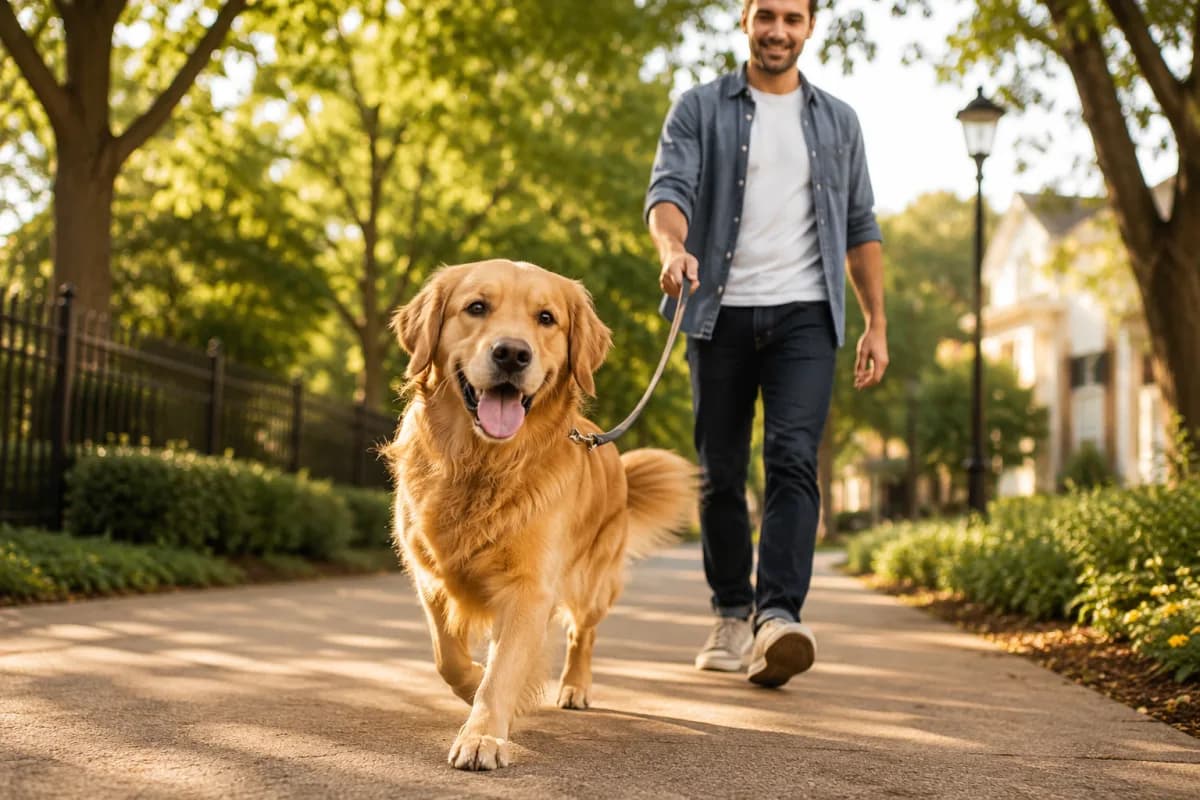
Pet Services connects pet owners with people who offer individual services such as dog walking, in-home cat and dog sitting, mobile pet grooming, pet taxi and dog training. Unlike a clinic or hotel with a fixed location, the service comes to you or happens in your area. You can see every service on doldurkabi.com/hizmetler.
Pick a category in the Get a service section on the app's home screen or on the Services page of our website. Look through profiles, reviews and service areas, choose the provider yourself and send your request. If you don't have an account, you can still leave a request on the provider's profile page by confirming it with a code sent to your email. Members track their requests and quotes in the app under Profile > My services.
All servicesPayment happens between the service provider and the customer; DoldurKabı doesn't handle payments. Providers set their own price when they send a quote. Since DoldurKabı doesn't handle payments, it takes no commission on the service fee either; the app, profiles and sending requests are free. The agreement is between the provider and the customer. DoldurKabı is an intermediary platform and isn't responsible for the service itself.
Providers give their Turkish ID number when they apply. The DoldurKabı team reviews it by hand in the panel, checks that the number is in a valid format and, if everything looks right, adds the “Verified” badge to the profile. Providers can't add this badge themselves. What the badge doesn't mean: The ID number isn't checked against government records (NVİ/MERNİS); only its format is checked. No criminal record check is done. Professional skills or certificates aren't checked; if a certificate is uploaded, a separate badge is given. DoldurKabı is an intermediary platform and makes no promises about the outcome of the service, the agreement or the payment.
Providers mark items like “Flexible hours”, “Comes to you” or “Daily updates” on their own profile. These items were marked by the provider; DoldurKabı didn't check them separately. Badges that make a trust claim (ID, certificate, reference) can't be added by the provider; only the DoldurKabı team adds them after a review.
People who work in the app's service categories can apply: dog walking, in-home dog sitter, in-home cat sitter, mobile pet groomer, dog trainer, pet taxi. A Turkish ID number is required to apply; you can build trust by adding your experience and any certificates to your profile.
Yes. Applying, creating a profile and receiving requests are free, and there's no contract to sign.
A person reviews your application: your introduction, photos of past work and any certificates. If it's a good fit, your profile goes live and the team adds the "ID Verified" tag. If something is missing, you'll be told in the app. What verification is and what it is NOT: doldurkabi.com/hizmet-ver#kimlik-dogrulama
Community2
Community is the social feed where pet lovers share posts; it has Community, Following and Videos tabs. You can like posts, comment and reply to comments, repost and save. You can visit and follow user profiles; what you save is in Profile > Saved.
Community feed (in Turkish)Tap the + button at the top of the Community screen. Write some text; if you like, add up to 4 photos or 1 video up to 60 seconds long, and a location. Your post goes live after the team reviews it.
Vets5
In DK Vet Network in the bottom menu, you can search clinics registered on DoldurKabı, filter by service and sort by nearest. A clinic's page shows its services, products, team, reviews and opening hours. The Nearby > Vets map on the home screen shows clinics around you; in emergency mode you see the ones open right now.
VetsOn the Services tab of the clinic page, pick a service; then choose a date, vet and time, select your pet and tap "Request Appointment". The appointment is confirmed when the clinic approves it. To book, you need a phone number on your profile and at least one registered pet.
On the page of a clinic you've booked with, tap "Write a review" on the Reviews tab, give a rating and describe the service and your experience. Reviews go live after approval.
Apply through "Partner sign-in" on the app's sign-in screen or through the vet registration page on our website. The application asks for your license document, a photo of your premises and your address on the map. Your account opens after our team reviews it; you can use the vet panel both in the mobile app and on the web.
Vet registration (in Turkish)No. The panel, including appointments, patient tracking, vaccines and prescriptions, stock, invoices and messaging, is free to use. Clinics that sign up and actively use the panel before 2027 won't pay, even if the panel is priced later.
Vet software (in Turkish)My pets4
Tap "Add pet" in Profile > My pets > Health tracking or in Pet Hub > My pets. Enter details such as a photo, name, species, breed, sex, date of birth, weight, neutering and microchip number.
From the "Add record" menu on your pet's page, you can add vaccines, medications, health records, appointments, weight entries and notes. You get reminder notifications for vaccine, medication and appointment times. Weight entries are shown on the Weight tracking chart.
Health trackingThe "ID" button on your pet's card opens the DoldurKabı Pet ID card with a QR code. Scanning the QR code opens your pet's profile page on doldurkabi.com. You can save the card to your gallery and share it.
If your vet uses the DoldurKabı panel, they can send you a request to connect to their clinic. Use the link in your email to choose which of your pets it's for and confirm, and the records appear on your pet's profile. You can see connected clinics on the pet's Info tab.
Map & location2
The Nearby section on the home screen shows vets, pet shops, pet groomers and parks on the map; you can get directions or call. The Emergency section lists animal shelters and rehabilitation centers near you. Lost pet listings also appear on the Lost Pets Map.
Location access is used to show places and lost pet listings near you. If you don't allow it, you can still open the maps and use "Search this area" to look at any area. You can turn it on later in your phone's settings.
Messaging2
Your chats are on the Profile > My messages screen or behind the message button at the top of the Community screen, split into People and Service providers. The "Send message" buttons on user profiles and on adoption and lost pet listings start a new chat. You can send photos, videos and your location in messages.
Use the "Send message" button on the clinic page to write to the clinic directly. You can also send your questions before an appointment here.
Account & profile4
Tap "Sign up" in the app and enter your first name, last name, email, password, phone number, birth year and city. Your account is created when you enter the 6-digit verification code sent to your email. A valid email address is required, and you must be over 13.
On the sign-in screen, tap "Forgot password" and enter your email address. Enter the 6-digit code sent to your email and set a new password.
From the settings icon on your profile page or "Edit profile" on your social profile, you can change your profile photo, cover image, name, username, about text and phone number. You can hide your city on your profile if you like.
Go to Profile > Account settings > Account security > Delete account, choose your reason for leaving and tap "Permanently delete my account". A deleted account can't be restored.
Account deletion stepsNotifications & safety4
Tap the bell icon on the home screen, then open Notification settings from the gear icon at the top right of the Notifications screen. You can turn vaccine, appointment and pet reminders, new messages, the lost pet alert and adoption listings in your city on or off one by one.
Use "Report" in the three-dot menu on posts and comments, "Report listing" from the flag icon on listings, or "Report user" on a user's profile, and choose a reason. Our team reviews every report.
Choose "Block user" from the post menu or the user's profile. You can manage the people you've blocked in Profile > Blocked users.
In Profile > Share DoldurKabı, there are ready-made short and long invite messages; pick one and share it from any app you like.
Support2
In the app, you can send a suggestion, complaint or bug report from Profile > Contact us and attach a screenshot. You can also use the contact form on our website.
Contact formFor any suggestion, feedback or partnership proposal, use Contact us in the app or our contact page. You can also reach us on Instagram (@doldurkabi).
Still need help?
If you couldn't find your answer, write to us. In the app, you can also send it with a screenshot from Profile > Contact us.